
Faster Physical Product Prototyping: Iteration Workflow
Industrial design vs. product design: the prototyping workflow for faster physical iterations
If you want quicker physical iterations, follow a product design iteration loop where each prototype round answers one key question. Industrial design makes sure what you build can work in the real world and at scale, but the speed comes from staying focused during prototyping.
Industrial design: making ideas work in the real world
Industrial design is about getting a product ready for reliable, consistent making. It looks at form and performance, then adjusts them to match real manufacturing limits.
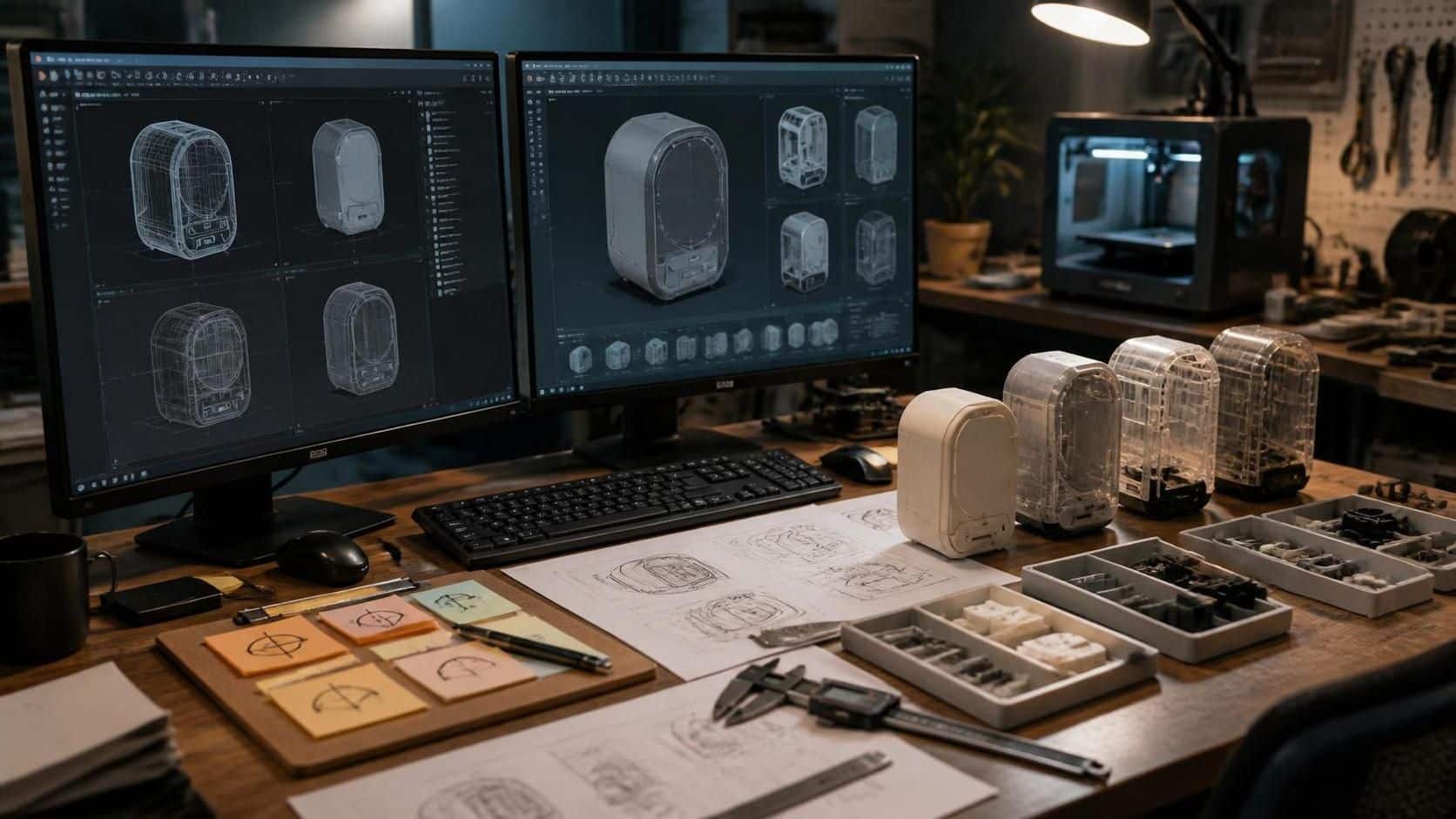
The skills that make iteration faster (for both roles)
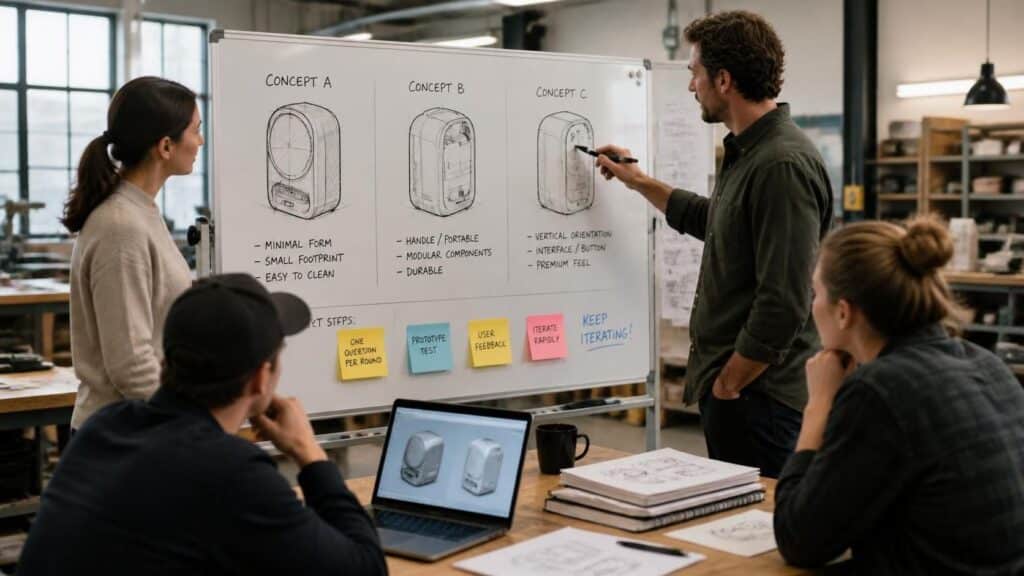
The good news is you don’t need totally different methods. Industrial design and product design both benefit from the same practical skills that reduce rework:
- Problem-solving: spot issues early and decide what to change
- Sketching: explore fast without overcommitting
- Drafting/CAD thinking: set up accurate dimensions for what you need to test
- Prototyping: test before final approval
- Research: understand users and constraints
- UX thinking: watch how people actually interact
- Presentation: share ideas clearly so decisions move
These shared skills make a focused prototyping workflow possible because you’re not rebuilding from scratch each time.
Step-by-step: the “one question per round” loop
Choose one outcome for the round
Pick a target like better usability, improved strength, or fewer assembly errors.Decide what you’re validating now
Keep it narrow: purpose fit, user needs, shape appeal, function, or manufacturing feasibility.Sketch the direction quickly
The goal is selection, not perfection. Quickly decide what you will build next.Create a prototype model (focused fidelity)
Build only what helps you test the question. Use CAD and drafting-style setup when you need repeatableaccuracy.Prototype with the goal in mind
If you’re testing function, build for behavior. If you’re testing form, build for fit and perception.Test and learn using research + UX observation
Watch what works and what breaks. Capture results so the team can explain decisions later.Fix only the identified issue
Change the part tied to the failure. Don’t redo the whole product because one piece missed.Repeat the same structure
Keep the workflow stable so each product design iteration improves based on real evidence.
This mirrors the broader idea behind iterative design: intentionally repeating steps, testing each version, and improving based on findings. NN/g on iterative design