What Are Good Examples of Well-Designed Products?

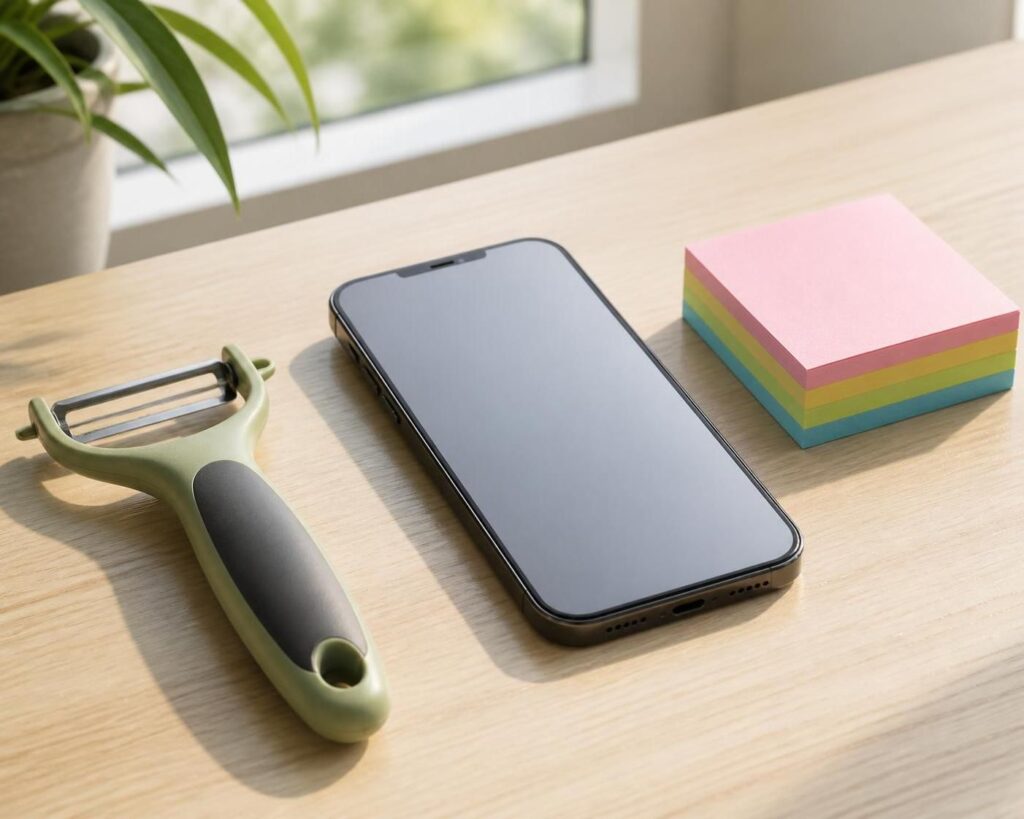
Well-designed products make everyday tasks easier, clearer, or more enjoyable. Great examples include the OXO Good Grips peeler, Apple’s iPhone, and the simple Post-it Note. Each one solves a real problem and feels easy to use.
What Makes a Product Well Designed?
A product does not need to look fancy to be well designed. It should work well, feel comfortable, and make sense to the people who use it.
Strong products often share a few traits:
- They solve a clear problem.
- They are simple to learn and use.
- They work for many different people.
- They feel reliable and fit their purpose.
- Their look supports how they work.
Good design puts usefulness first. A product that looks beautiful but is hard to use has missed an important part of the job.
Three Examples of Well-Designed Products
OXO Good Grips peeler: Its wide, soft handle is easier to hold than a thin metal one. The design began with a focus on people who had trouble gripping kitchen tools, and the result became helpful to many users. The team behind the product describes how testing and thoughtful handle shapes helped guide the design. smartdesignworldwide.com
Apple iPhone: The iPhone is a strong example of a product built around clear actions. People can tap icons, swipe through screens, and use familiar controls without learning a long list of commands. Apple also shares design tools and guidance for making apps that fit its devices. Apple
Post-it Note: A sticky note gives people a quick way to mark a page, leave a message, or remember a task. Its small size, simple shape, and ability to stick and come away make it useful at home, school, and work.
These examples are different, but they share one thing: each makes a common task easier.
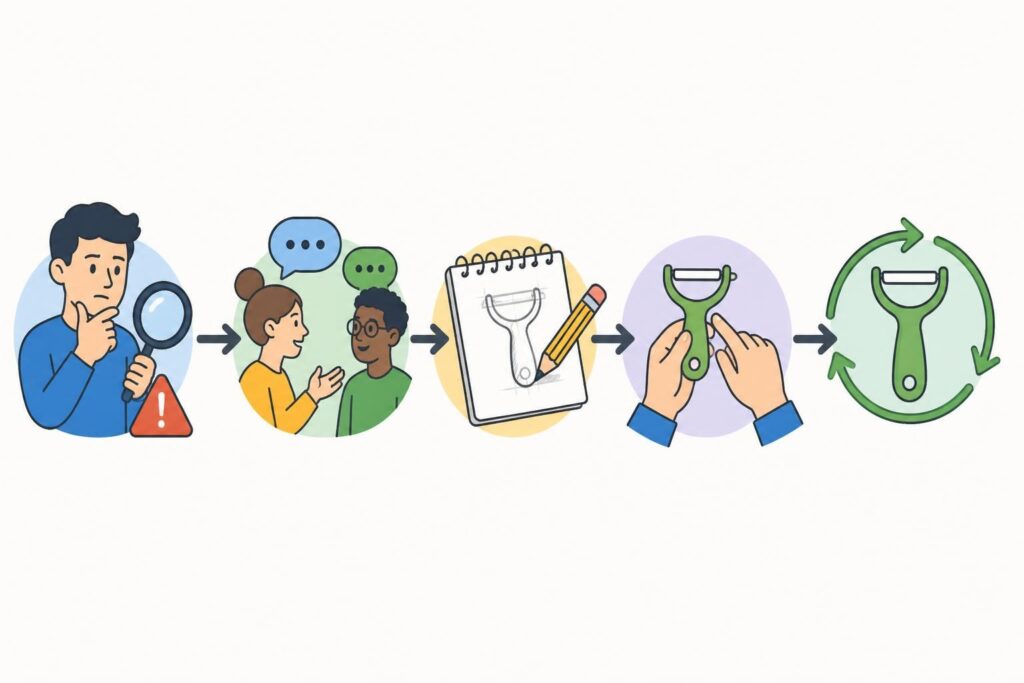
How to Design a Better Product: Five Steps
Use this simple process to improve a product or plan a new one.
- Choose one problem. Be clear about the task that feels slow, confusing,uncomfortable, or difficult.
- Talk to users. Ask people who do that task what works and what gets in theirway. Watch them use current products, if possible.
- Make a simple model. Sketch the idea or build a rough version with basicmaterials. It does not need to look finished.
- Test it in real use. Give the model to users and watch what they do. Ask whatfeels easy, what causes trouble, and what they would change.
- Improve and test again. Fix the biggest problem first, then repeat the test.Keep the features that help and remove ones that add confusion.
This cycle helps teams find problems before spending time and money on a polished product. The OXO Good Grips refresh, for example, involved prototypes and testing for specific cooking tasks. smartdesignworldwide.com
What Can You Learn From These Products?
Start with the person, not the product. A handle should fit the hand, a screen should make key actions clear, and a note should be easy to use when an idea appears.
Also, make the main purpose easy to spot. People should not need a manual to do the basic task.
Finally, test with people who have different needs and habits. A product that is comfortable for one person may be hard for someone else. A wider range of feedback can reveal simple changes that help more people.
Conclusion
Good examples of well-designed products include the OXO Good Grips peeler, iPhone, and Post-it Note. They show that useful design starts with a real need, stays simple, and gets better through testing.
Word count: Approximately 440 words, excluding metadata and image prompts.