The EdinStudio Process
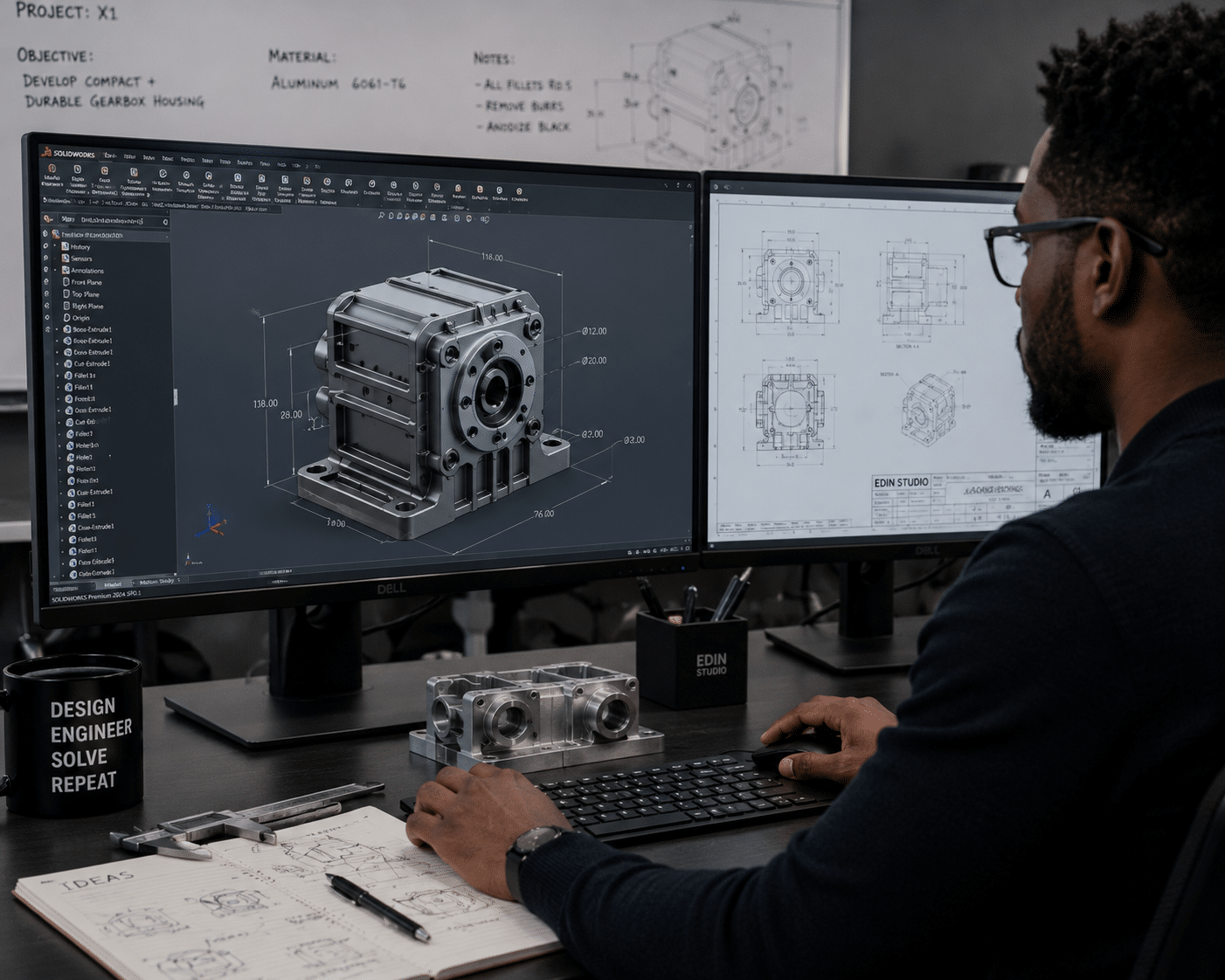
If you want to bring your product or design idea to life, the EdinStudio process gives you clear steps from concept to a polished 3D result. You get 3D rendering, custom CAD design, and product visualization that help you present your vision confidently. This is a practical workflow built for teams who need accurate visuals for planning, pitching, marketing, and decision-making.
The EdinStudio Process in Simple Steps
EdinStudio starts by learning what you’re building and what success looks like. Then the team turns your inputs into detailed visuals you can use right away.Here’s the step-by-step flow you can expect:
Share your concept and goals
Send references, sketches, or notes about the product, building, or idea you want to visualize.Confirm requirements and scope
The studio reviews what you need—still renders, animations, CAD models, or full product visualizationpackages.Create or refine the CAD model
Custom CAD design helps build an accurate foundation for the visuals and any future prototyping work.Generate high-quality 3D rendering
The team produces realistic images that show materials, shapes, and key features in detail.Deliver product visualization assets
You get the visuals you need for stakeholders, websites, ads, presentations, or product launch planning.
This approach reduces guesswork and helps you move faster from idea to execution.
Why Accurate 3D Rendering Helps Faster Decisions
3D rendering makes it easier to understand your product before it exists in the real world. With lifelike visuals, you can spot issues earlier and adjust designs while changes are still easy.
Strong rendering also helps you explain your idea to others. When stakeholders can “see it,” approvals happen faster and feedback becomes more specific.
For a clear look at how 3D visualization supports product and design work, you can reference:
Custom CAD Design That Fits Your Exact Needs
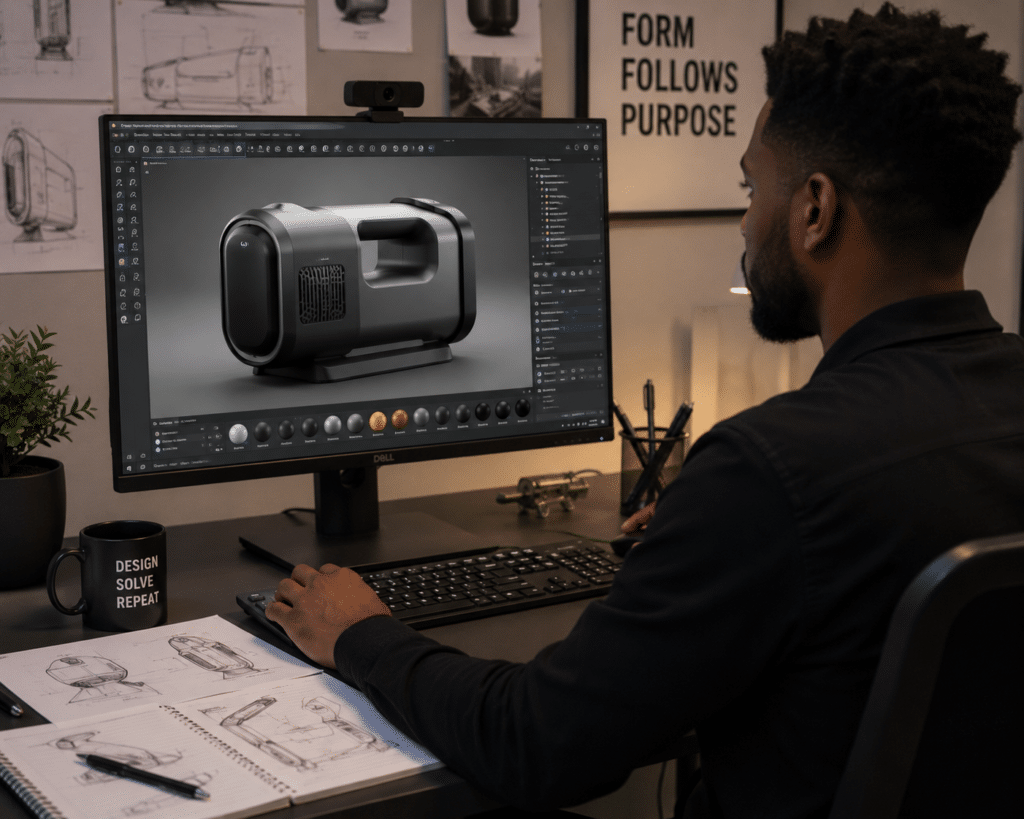
Custom CAD design is how you turn an idea into a precise model. Instead of generic shapes, your CAD work is built around your real measurements, geometry, and requirements.
This matters because accurate CAD supports:
- Better design reviews
- Easier updates during prototyping
- Smoother handoff to manufacturing partners
If you want background on what CAD does and why it’s used in engineering, see:
Product Visualization That Looks Great and Works Hard
Product visualization is more than “pretty pictures.” It’s a marketing and planning tool that helps you tell a clear story about your product’s value.
You can use product visuals to support:
- Investor and stakeholder presentations
- Website and catalog updates
- Sales decks and product launch campaigns
- Training materials and internal reviews
EdinStudio focuses on quality and detail so your visuals match what you’re trying to sell.
What You Get From EdinStudio
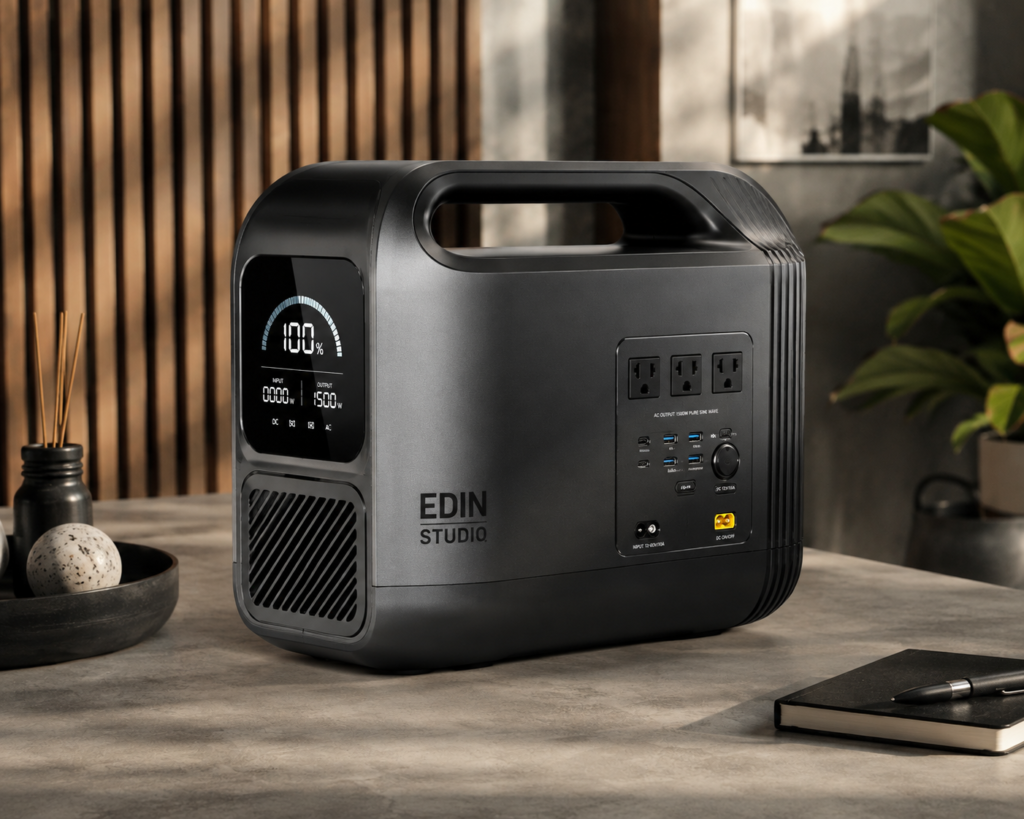
When you work with EdinStudio, you’re not just buying images. You’re getting support that connects design, visualization, and communication.
Expect deliverables like:
- Realistic still renders
- Animations (when needed)
- CAD models aligned to your vision
- Product visualization ready for marketing and approvals
The goal is simple: help your idea look right, communicate clearly, and move forward with confidence.