3D CAD for Green Product Development Guide

Why 3D CAD Matters for Green Product Development (and How to Use It)
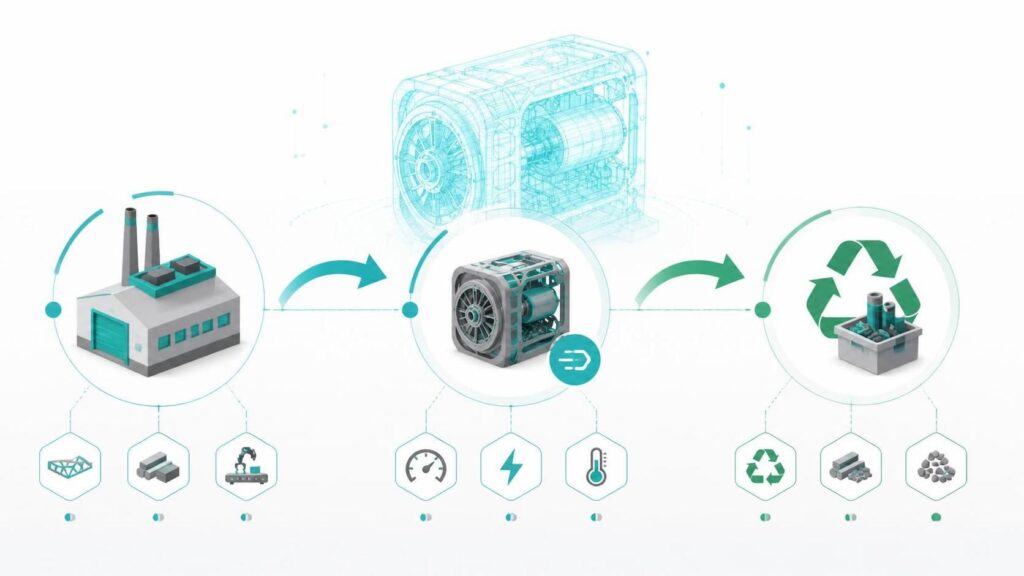
3D CAD helps teams build greener products by cutting waste, improving energy use, and supporting recycling from the start. Instead of guessing and rebuilding prototypes, you can test design options in a virtual model and choose the most sustainable path faster. If your goal is green product development, 3D CAD gives you a practical workflow. You can design, test, and refine with less material and fewer physical prototypes.
Green Product Development: What It Really Means
Green product development means reducing environmental harm across a product’s full life cycle. That includes how you use materials, how much energy the product needs, and what happens at the end of its life. It also supports smarter choices that can lower cost. Less waste often means lower material spending.
For background on life-cycle thinking, see this overview from the US EPA on Life Cycle Assessment.
How 3D CAD Supports Sustainable Design
3D CAD is not just for “making models.” It’s a tool for planning better decisions earlier.
Here are the biggest sustainability wins it can support:
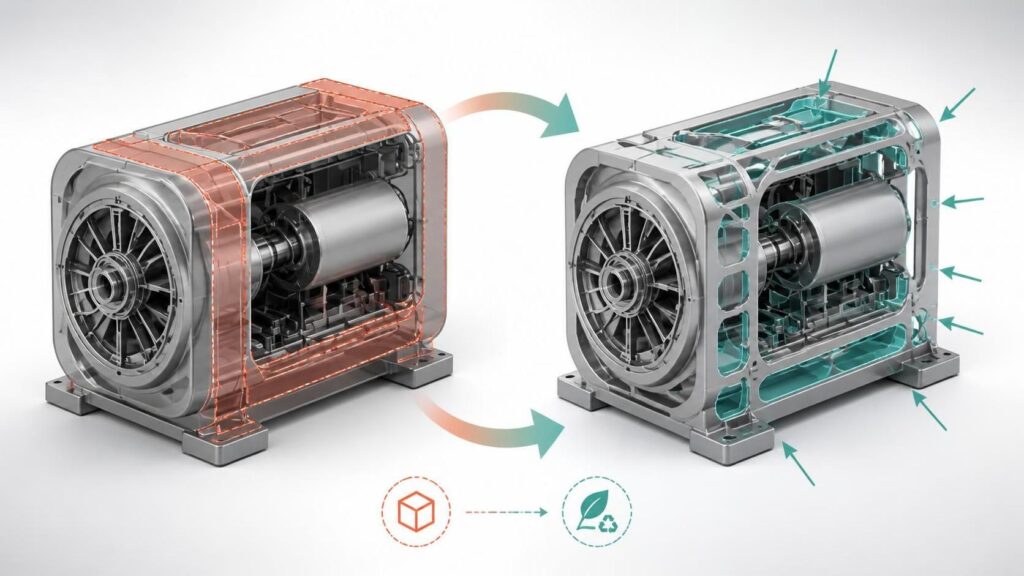
- Reduced material waste through optimized part shapes and sizes
- Improved energy efficiency using simulation and performance checks
- Better recyclability by designing for easier disassembly and fewer mixed materials
- Fewer failed prototypes by testing ideas before building them
You can learn the basics of designing with life-cycle goals from ISO guidance on life cycle thinking.
The Actionable Workflow: Use 3D CAD for Green Results
Use this simple step-by-step plan to turn green ideas into real design choices.
Step 1: Build the 3D model with sustainability goals in mind
Start by modeling the product parts you can change without breaking performance. Set goals like lower weight, fewer components, or easier disassembly.
Step 2: Use virtual tests to reduce trial-and-error
Run tests in your CAD environment when possible. Check fit, strength, airflow, heat, or movement before producing physical samples.
This can reduce waste from failed prototypes. The same logic is used in digital product development across many industries, as discussed in resources like Dassault Systèmes—digital product development.
Step 3: Lightweight where it matters (without hurting function)
Lightweighting reduces material usage, but it must keep the product safe and reliable. Use design checks to remove material only where it won’t reduce performance.
Step 4: Choose materials that support reuse and recycling
Use the CAD model to compare material options. Look for materials that are easier to sort or recycle and that reduce the need for extra coatings or adhesives when possible.
Step 5: Prepare for manufacturing with less scrap
Good CAD design can also reduce production waste. Optimize part layouts, thickness, and manufacturing-friendly shapes so you need less rework.
For a solid overview of sustainable design ideas and life-cycle impact, you can reference UNEP resources on sustainable consumption and production.
Step 6: Validate with real testing, then iterate
Simulations help you narrow options fast. Still, confirm key results with physical tests and update the CAD model based on outcomes.